Email Signatures
All email communications sent by employees of Johns Hopkins University must be consistent with our brand guidelines and accurately display the sender’s contact information and connection with the university. All faculty and staff should use the standardized email signature, generated automatically below.
Get Started
This tool is exclusively for Johns Hopkins University employees using an official Johns Hopkins (.edu) email account. Benefits of using the generator include:
- Easy to use. We’ve already made the hard choices for you on what information is necessary to include in your signature. Update the information provided below to generate your signature.
- Responsive design. The signature’s clean design is responsive to mobile or desktop and displays consistently across the most commonly used email clients, including Microsoft Outlook.
- Professional and on brand. Email is the new stationery, so make sure you are representing yourself, your office, both internally and externally, professionally and on-brand.
Usage Guidelines
To generate a Johns Hopkins University branded email signature, please follow these guidelines and complete the form below.
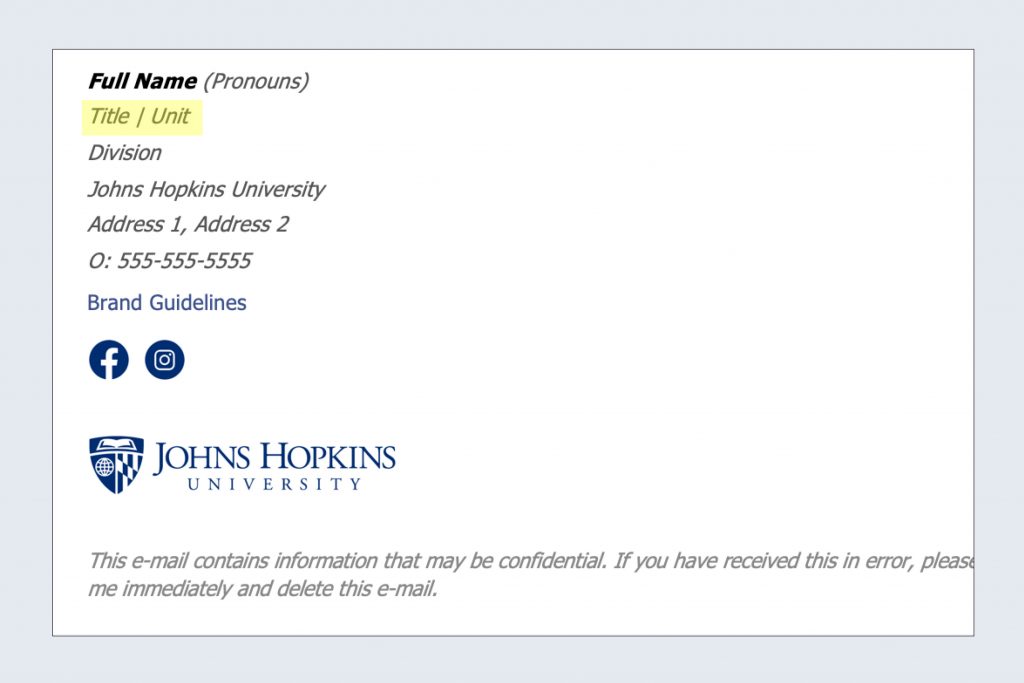
DO: Include Your Unit in Type
Include your unit name in the required “Department” text field. If needed, you can add an additional title and unit.
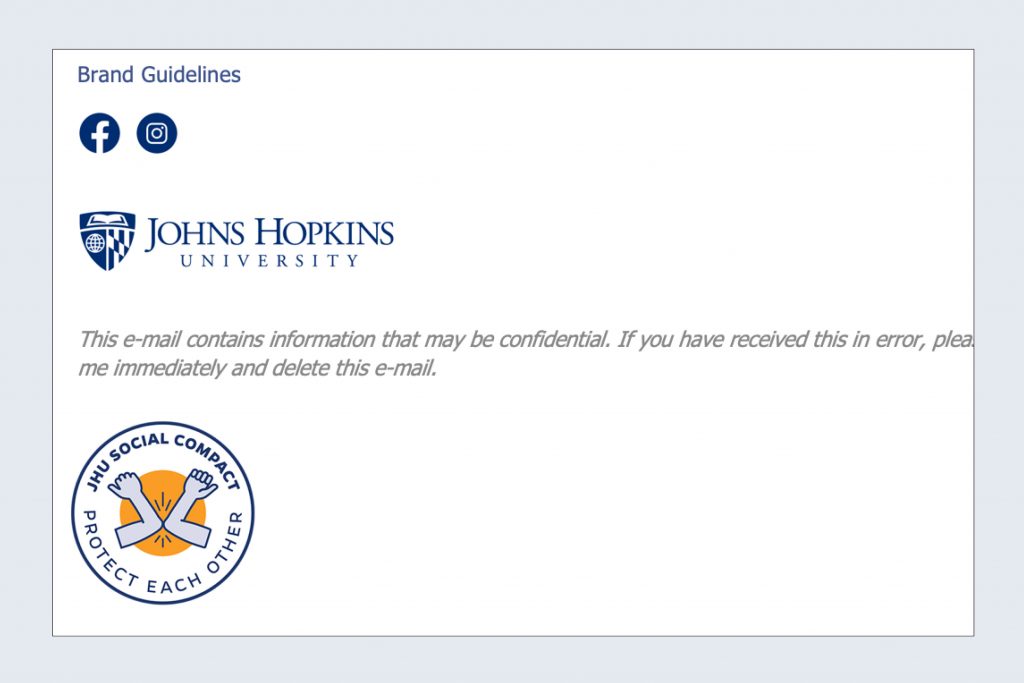
DO: Use Optional Approved Graphics
University Communications adds select university-wide campaign graphics, such as JH Needs U, as optional add-ons in the email signature generator.
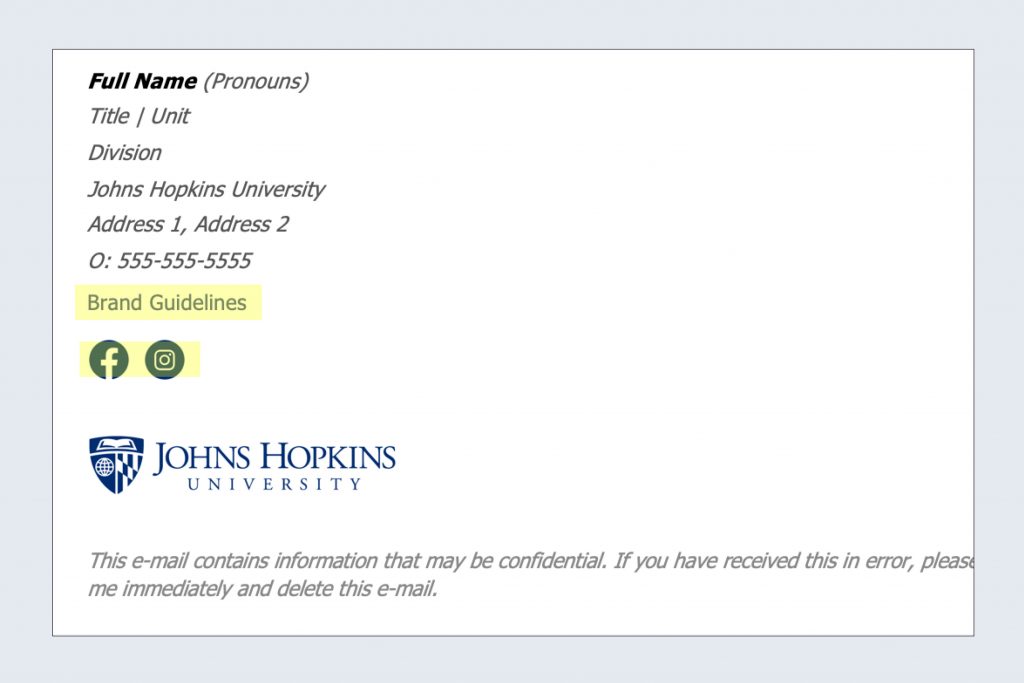
DO: Add Relevant Links
If there is a website or social media channels that you want to promote to your contacts, include them—sparingly—in your email signature. If you add multiple links, it may decrease the efficacy of all. Concentrate on one featured item.
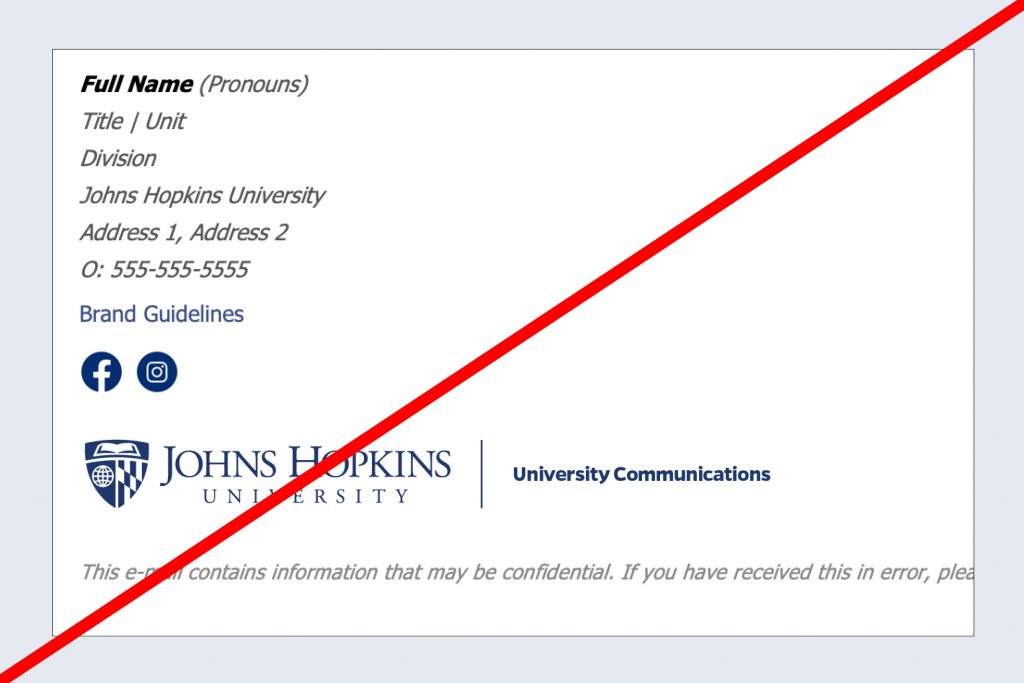
DON'T: Include Unit Lockups
Official unit treatment lockups are not permitted in email signatures. Instead, use the primary logo or division equivalent. The Joint University & Medicine mark is not permitted in email signatures.
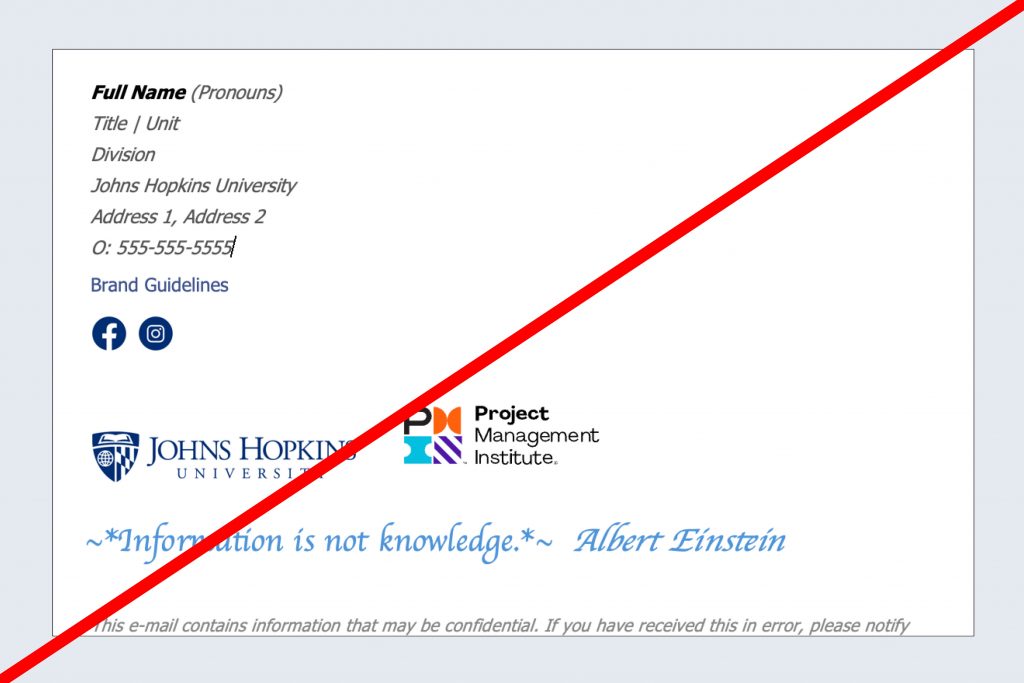
DON'T: Use Quotes or Graphics
Refrain from adding quotes, graphics or alternative logos (JHU or external), personal beliefs or statements. This is to avoid the potential confusion that such statements represent the university’s slogan, ideology or brand promise.
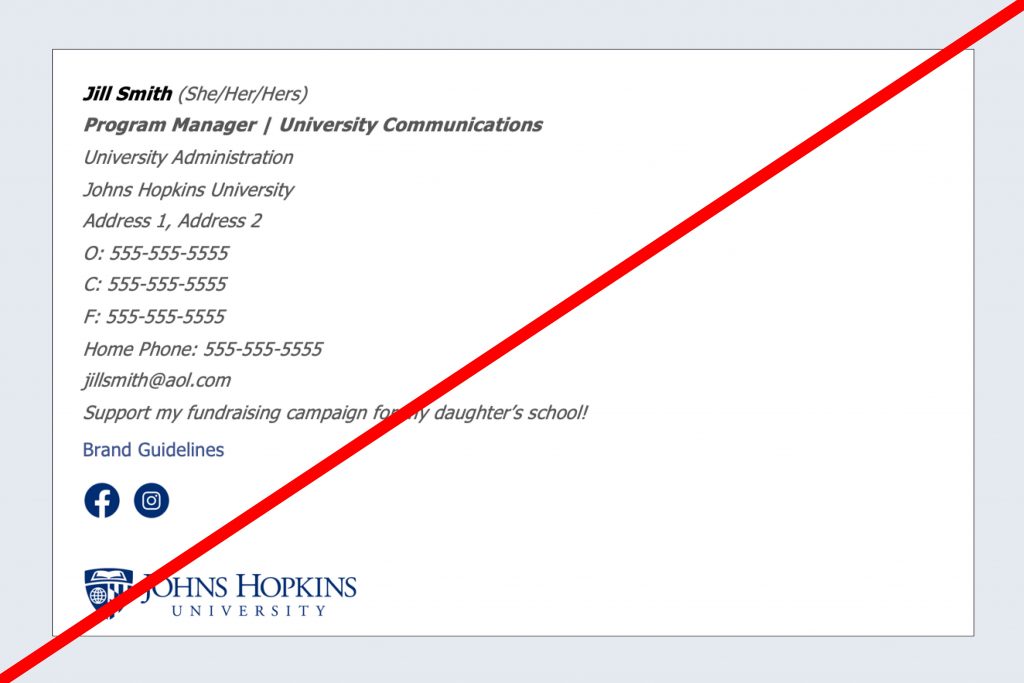
DON'T: Add Extraneous Information
Do not include home phone numbers or personal e-mail addresses. Include only the information people may need in order to contact you and understand your affiliation with Johns Hopkins University.
Complete the Form
Finalize Your Signature
You can update your signature using this tool anytime, as often as needed. Now it’s time to add your signature to your email client. Follow these steps create and add an email signature in Outlook. Please note that any modifications to your signature once placed in Outlook will remove the formatting created in this special generator.
Email signatures should always be included in your first send or response. It is not necessary to include your signature in every message within a thread.